Taking over a website from a previous developer: a checklist
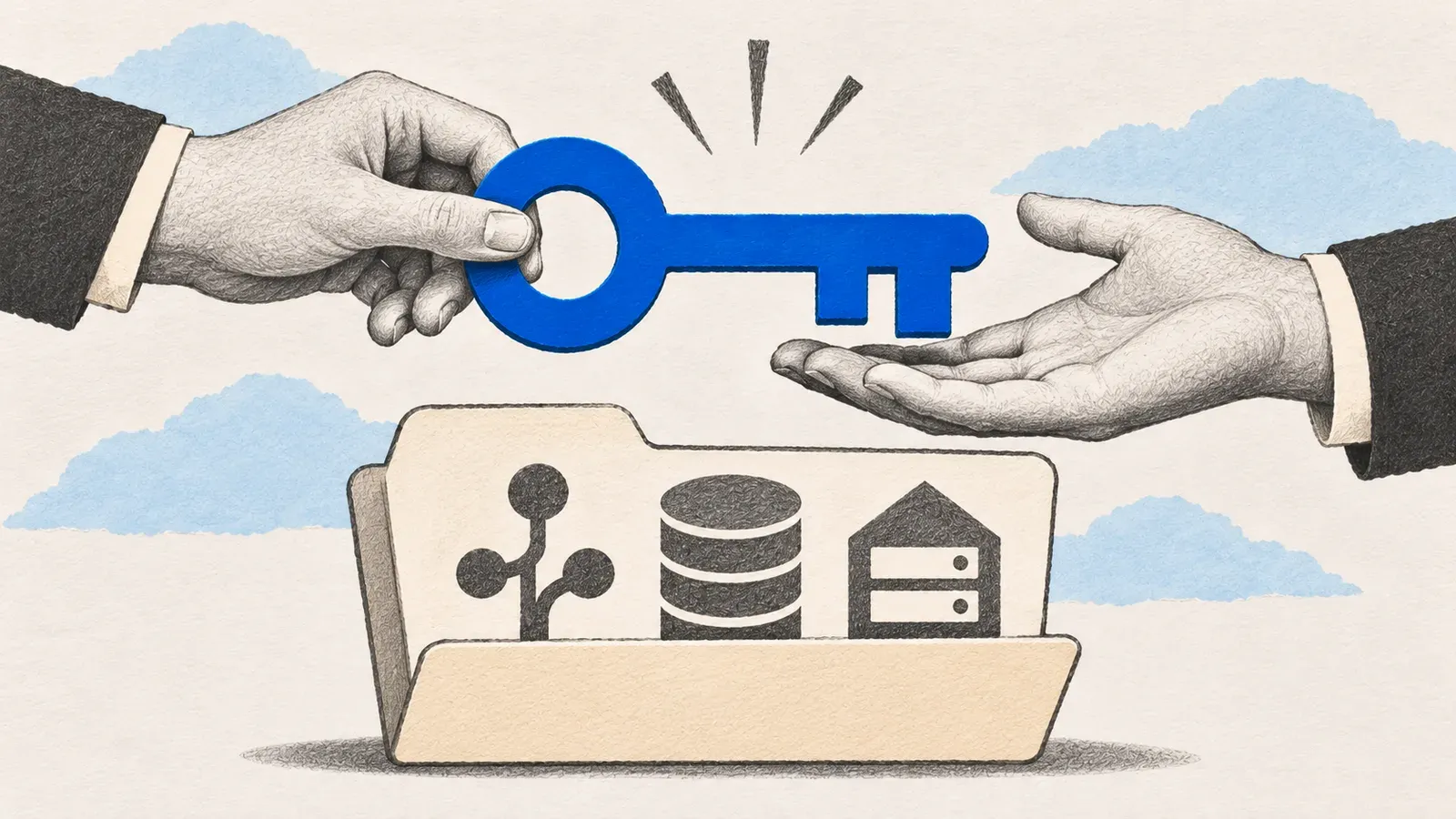
When a developer leaves, secure the accounts first. List everything the app depends on, move the ones that matter into your company’s name, and rotate the passwords and keys the old developer knew. Then get a copy running away from production and restore a backup. Only after that should anyone read the code and ship a first change.
The developer who built your product has left, or stopped answering. The app still runs, customers still use it and nobody is sure how. It happens a lot, and it can be fixed if you go in order, even when it feels slow.
I take over existing web apps as part of my work, and this is the checklist I follow. It also works if you’re the founder who has to hold the process together.
1. Find out what the app depends on
Before anyone reads code, write a list of everything the product touches:
- The code repository (GitHub, GitLab, Bitbucket) and who owns it.
- Hosting: where the app runs, such as Vercel, Netlify, AWS or a plain server.
- The domain name and where its DNS records are managed.
- The database and where backups are kept.
- Third-party services: payments, email, analytics, authentication, file storage, error tracking.
- Any scheduled jobs and where they run.
Many takeovers stall here, because one of these sits in the old developer’s personal account. It’s much easier to sort out now than on the day something breaks.
2. Make sure you own the accounts that matter
For each item in the list, check whose name it is under. The repository, the hosting account, the domain and the payment account should belong to your company, with developers added as members. If any of them sits under a personal account of the old developer, ask for a transfer now, while the relationship is still friendly.
Do this in writing, and keep the answers.
3. Secure access
After a developer leaves, remove their access and rotate the secrets they knew: API keys, database passwords, deployment tokens and any shared logins. It’s routine, and a good developer won’t take it personally. It also protects you from an old laptop nobody wiped.
Before you revoke an old key, find every service that uses it, switch them to the new key and check they still work. If you think a key has leaked, revoke it right away and fix whatever breaks after.
If you can’t tell which secrets exist, that is a finding for the audit, not a reason to wait.
4. Get a copy running somewhere safe
Before changing anything, run the app on a laptop or a staging server, with test data. If you can’t start it from the repository’s instructions, write down every step it takes to make it work. Those notes become the first piece of documentation.
Never use real customer data or real payment keys for this. Create separate test accounts and test keys for each service.
5. Check backups and restore one
Until you have restored a backup, you don’t know that it works. Find where the database backups go, and restore the latest one into a test database. If there are none, set them up before the first change.
6. Read the code in the right order
Read the structure first, not the details:
- The repository layout and the README.
- The dependencies list, to see the framework, its version and anything old.
- The data model, because it shows what the product really does.
- The routes or pages, to see what users can do.
- The deployment configuration, to see how a change reaches production.
- The tests, if any, to see what the old developer considered important.
Note what is solid, what is surprising and what looks risky. Don’t fix anything yet.
The largest codebase I joined was caisy’s CMS editor, a repository with more than 5,000 commits. Reading it file by file would have taken weeks. I read the data model first, then picked one feature and traced it from the screen through the API to the database. After one full trace, the rest of the code had a map to hang on.
7. Understand how a change reaches production
Answer one question in writing: if I change one line, what are the exact steps until users see it? Who or what builds it, where does it go and how do I undo it? If nobody can answer that, the first bad deploy will be hard to undo.
8. Add basic visibility
Make sure there is some form of error reporting and uptime checking, even a simple one. After a takeover, the first weeks are when hidden problems show up.
9. Ship one small change
Pick a harmless fix and ship it through the full process, from a branch and a review to a deploy you check afterwards. This proves the whole path works, and it builds trust between you and the new developer.
10. Write down what you learned
Keep a short document with the account list, how to run the app, how to deploy it and the known risks. The next developer should be able to start from that document alone.
For each account, write down who owns it, what it’s for and how to recover it. For each service, write down how it deploys, where its monitoring is and where the backups go. Keep passwords and keys in a password manager, not in this document.
When to ask for help
If steps 1 to 5 reveal problems you can’t resolve, such as missing access or no way to run the code, that is the moment to bring someone in.
I can pick it up from the account list with you, then read the code and tell you what is solid and what is risky for a fixed price. You can stop after that and keep the note. What an app audit should tell you explains what you should get back from one. If your situation sounds like this, describe it in the contact form and I’ll tell you whether I can help.
Questions people ask
What should I do first when my developer leaves?
Secure access before anything else. List every account the app depends on, make sure you own the ones that matter, and rotate shared passwords and keys. Only then start reading code.
Can a new developer take over without the old one's help?
Usually yes, if the code, the hosting and the data are all reachable. A short handover call helps a lot, but it is not required. Missing access is what blocks a takeover. The rest can be worked out from the code.
How do I know whether the code is any good?
Ask for an audit before you commit to a plan. A short written review of how the app is built, how it is deployed and what is risky will tell you more than a demo. See fix or rebuild for how to read the result.
Related services
Take over a stuck app
The developer left, the prototype won't hold up with real users, or the team can't keep up. I read the code, tell you what is solid and what is risky, then ship the next release.