How to fix a vibe-coded app that breaks with real users
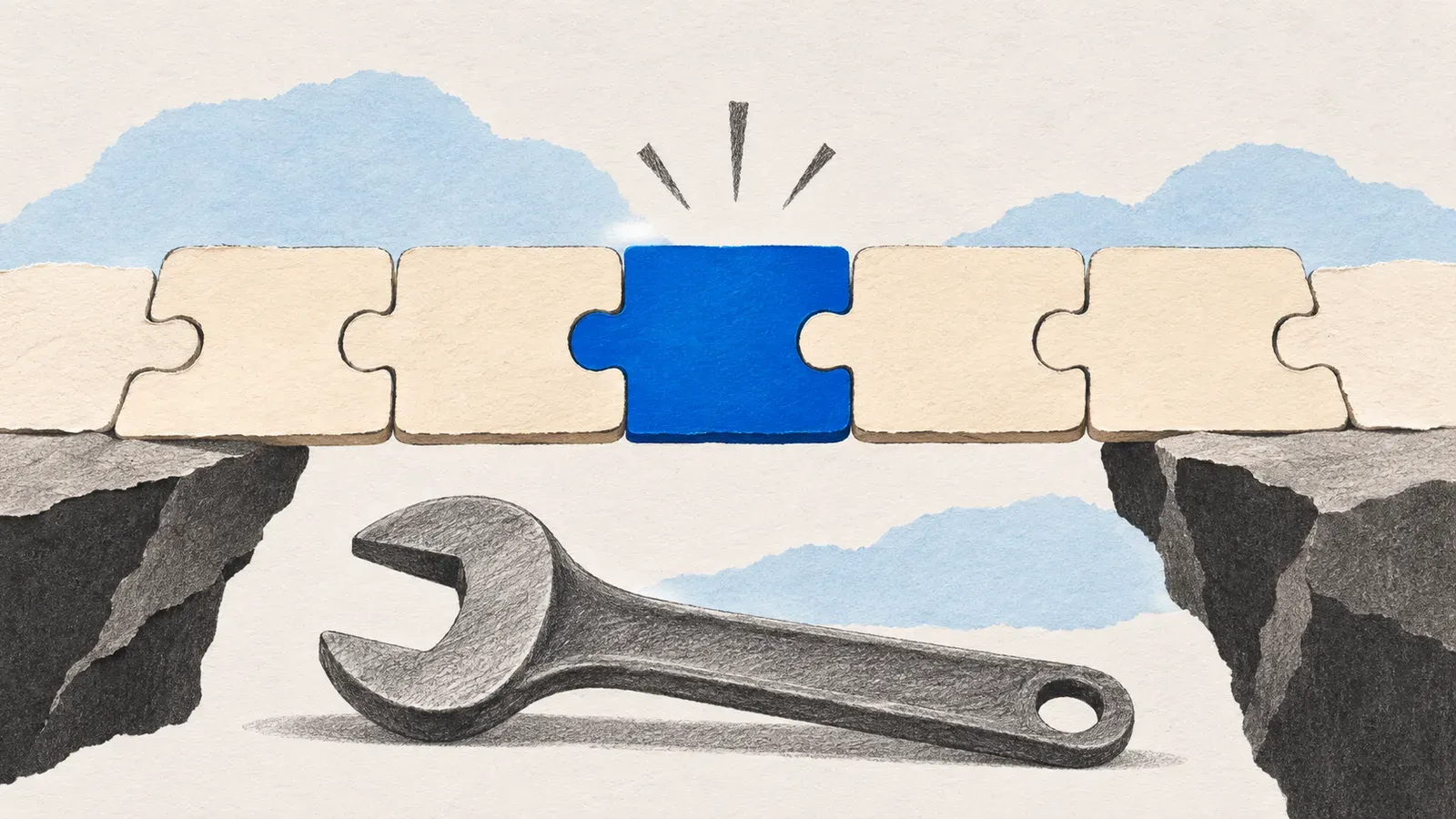
To fix a vibe-coded app that breaks with real users, stop prompting the broken parts, make sure you own the code and the database, lock down who can see what, and get the one flow that makes you money working end to end. After that, set up a safe way to make changes and decide what’s worth keeping.
A lot of the apps I’m asked to look at now were built with Lovable, Bolt, Replit or Cursor, and the story is nearly always the same. The demo worked, then real users signed up and things started breaking: sign-up fails on some phones, or someone pays and their account doesn’t upgrade. Every new prompt fixes one thing and breaks something else.
That’s normal, and most of these apps can be fixed. The AI got you to a working demo fast. It just skipped the boring parts that real users hit first.
These are the steps I take, in the order I take them.
1. Stop prompting the broken parts
When the app is already failing, another prompt usually moves the bug somewhere else. The tool can rewrite files you never asked it to touch.
So pause new features for a few days.
Write down what’s broken, in your users’ words. “A new user can’t finish sign-up on mobile.” “The dashboard shows another company’s invoices.” That list is what I fix against, and it’s the first thing I ask a founder for.
2. Make sure you own everything
Before anyone changes code, check that these are in your name, not the tool’s or a freelancer’s:
- The code, in a GitHub repository you own
- The database, usually a Supabase project
- The hosting and the domain
- Stripe or whatever takes payments, the email service and any API keys
Lovable (opens in a new tab) and Bolt can push the code to GitHub. If you haven’t connected it yet, do it now. Then every change is saved and can be undone.
3. Check who can see what
This is the step I spend the most time on, and the one founders don’t expect.
A lot of vibe-coded apps hide other users’ data in the screen but not in the database. The page only shows your own orders, but the database will hand every order to any signed-in user who asks. Anyone who opens the browser’s developer tools can read it.
In Supabase this comes down to row level security (opens in a new tab). Every table with user data needs it turned on, with rules that match who should see what. I also check that no secret keys are sitting in the browser code.
I wrote the full list in the security checklist for vibe-coded apps.
4. Get the main flow working end to end
Pick the one path that makes you money. For most apps that’s sign up, do the main thing, pay.
I go through it as a brand new user on a phone, then again on a laptop with a slow connection. I write down every failure and fix those first. A chart that looks a bit off can wait until sign-up works.
5. Move long work out of the page
AI tools like to do everything in the browser, even calling an AI model or sending emails. That’s fine in the demo. With real users, someone refreshes or closes the tab and the work stops halfway.
Anything long or important should run on the server, and the app should save whether it finished.
I had exactly this on ScriptBee. AI agent runs took 2 to 10 minutes, and a refresh lost the answer. In June 2025 I moved them into Trigger.dev background tasks, so they kept running after the tab closed.
6. Set up a safe way to make changes
After launch, most things break when someone changes the code.
Before the next round of fixes I set up a staging copy with its own database, so changes get tested before real users see them. Changes go in as pull requests. Database changes go in as migration files (opens in a new tab), not clicks in the dashboard. And I add error tracking, so you hear about a failure from a tool before a customer emails you.
7. Decide what to keep
Once the urgent problems are fixed, I look at the whole app.
Most vibe-coded apps are worth keeping. The screens are usually fine. The parts I most often rewrite are sign-in, payments and anything that touches other people’s data.
If you’re not sure which way to go, fix or rebuild walks through how I decide.
If your app is stuck right now
I start with a short audit for a fixed price. I read the code and the database rules, check how it’s hosted, and use the app myself. Then I send you a one-page note with what works, what could hurt the business, and the fixes in order with a cost for each.
You can stop there and keep the note. Taking over an app has the rest, or tell me what’s breaking in the form below.
Questions people ask
Should I rebuild a vibe-coded app from scratch?
Usually not at first. Most of these apps have screens that are fine and a database that is close to right. I fix access, data rules and the broken flows first, and only then look at what is worth rewriting.
Can I keep using Lovable or Bolt after a developer takes over?
Yes. Agree who changes what. I usually leave one branch for the AI tool and put everything else through reviewed pull requests, so we don't overwrite each other's work.
How long does it take to fix a vibe-coded app?
It depends on what is broken. That's why I start with a short audit. You get the list of problems in order with a cost for each, and you decide how far to go before paying for any fixes.
Related services
Take over a stuck app
The developer left, the prototype won't hold up with real users, or the team can't keep up. I read the code, tell you what is solid and what is risky, then ship the next release.